
NoteCanvas.io
Everything you find, on one canvas. A visual, AI-assisted notes workspace I build in my free time — to experiment with new ideas and learn what it really takes to ship to production.
- Role
- Everything — design, code, brand, film
- Platform
- Web canvas + phone
- Built with
- tldraw canvas, AI agents
- Production
- Frontend: Vercel · Backend: Render
Coding: Codex, Claude Code
01 — Why build it
Videos, links, news, PDFs and calendar events scatter across apps. NoteCanvas turns them into notes you can arrange spatially — and AI that can summarize, connect and remix them.
Shipping my own product keeps my judgment honest: every AI behavior I design at work, I’ve had to make reliable, fast and understandable here — end to end.
02 — Features in motion
Hover to preview, click to play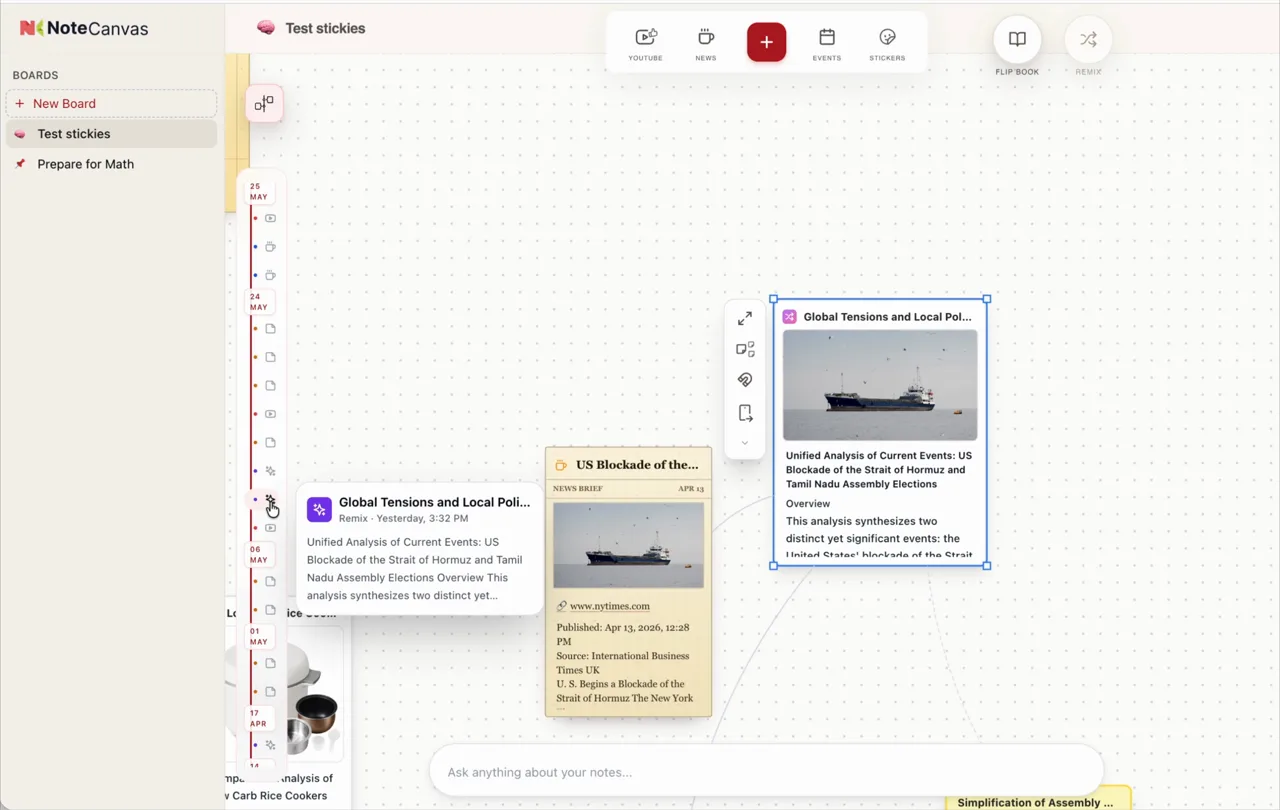
Timeline and magnets
Scrub the timeline to move through your notes by when you added them, and drop notes on a magnet to gather them by topic.
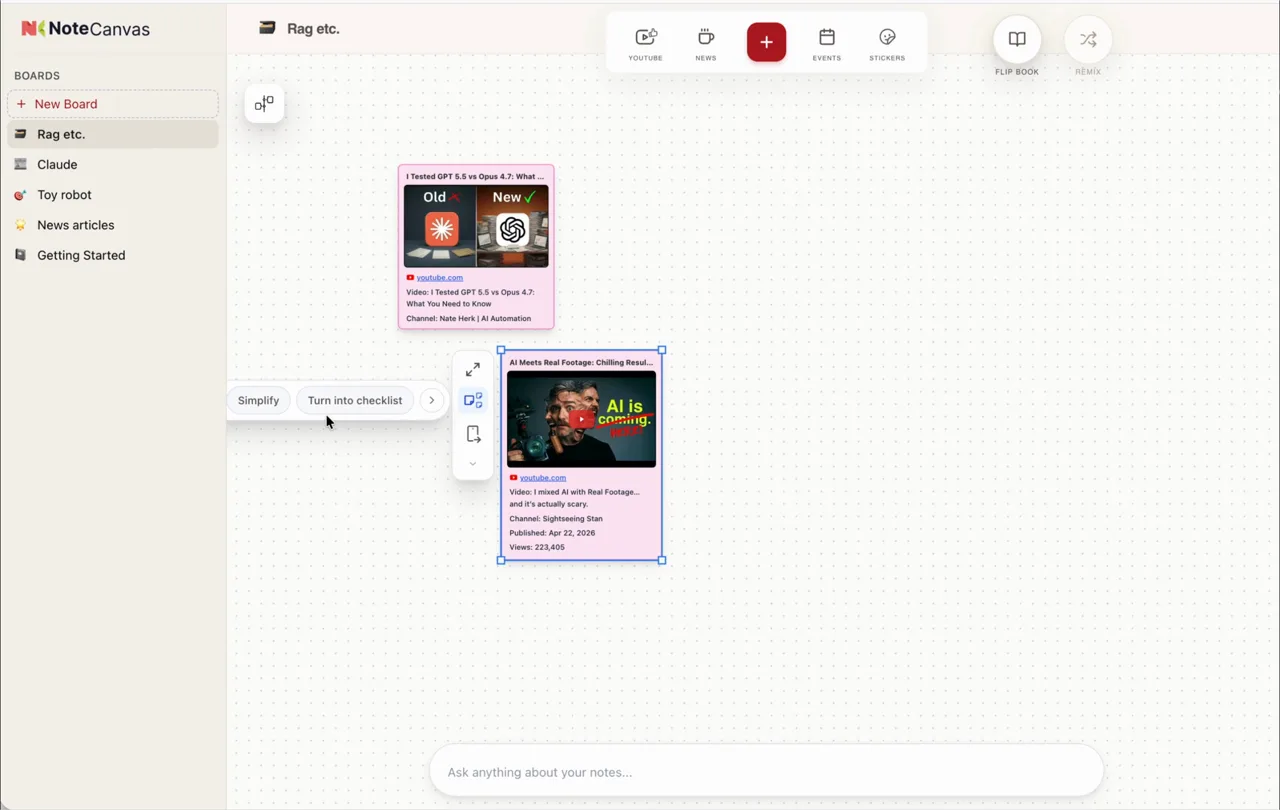
YouTube and Calendar, connected
Bring in videos from YouTube and events from your calendar, then turn them into summaries and checklists right on the canvas.
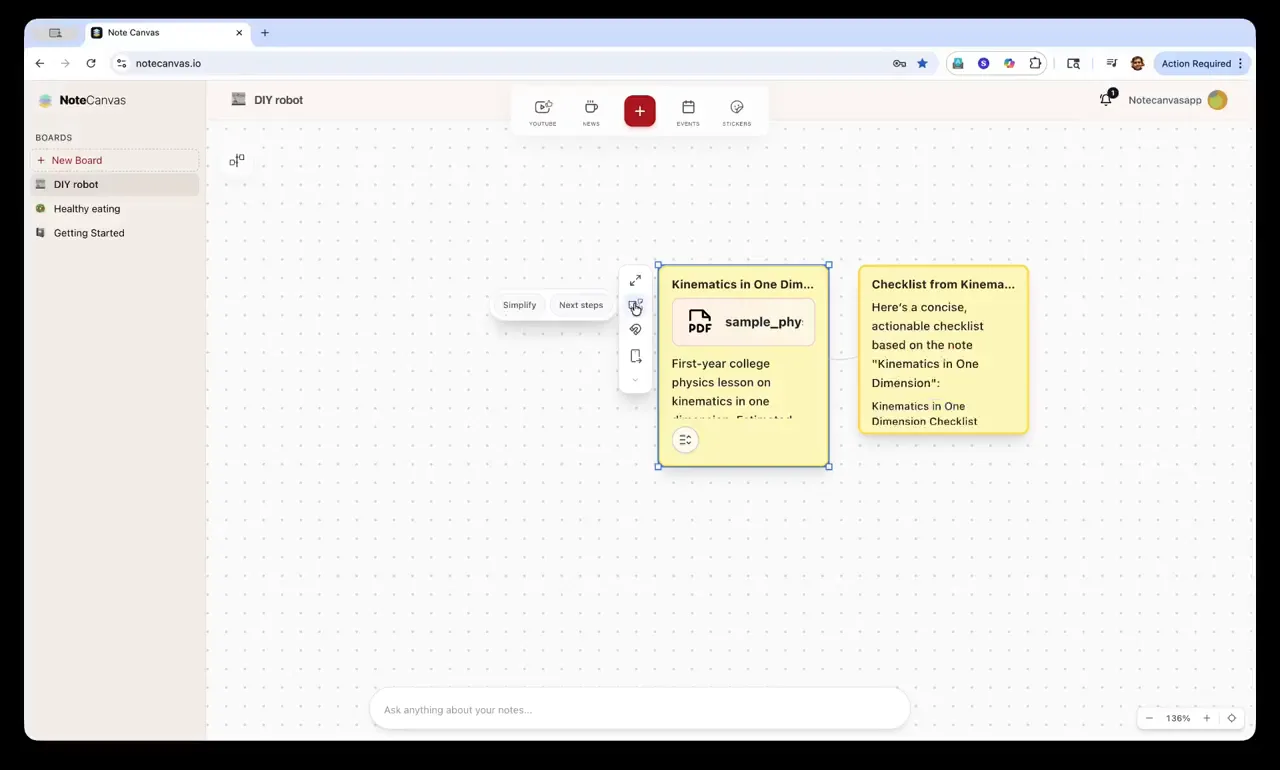
One note, many sub-notes
Ask for a simpler version or a checklist, and a note splits into connected sub-notes beside it.
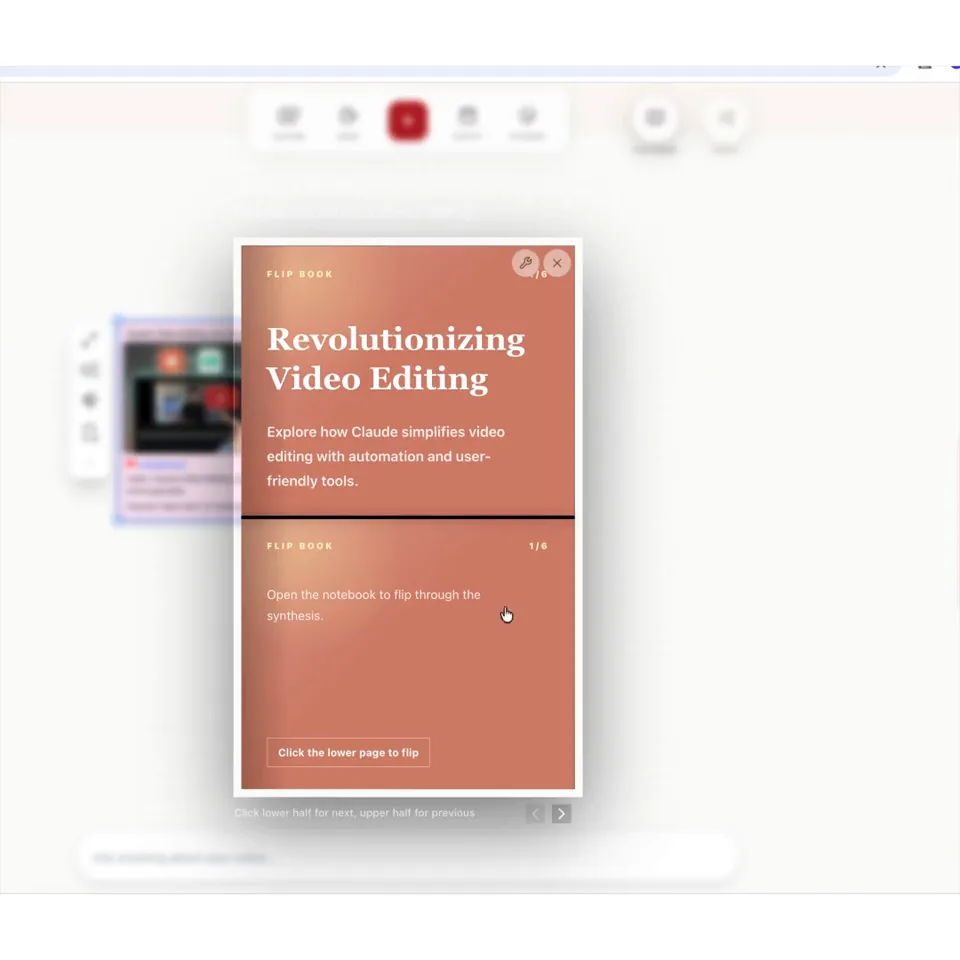
Notes into a flip-book
Select a few notes and NoteCanvas turns them into a flip-book you can page through, right on the canvas.
Make it on the canvas. Take it with you.
Scan a code to open a board on your phone. Drop in a PDF before class, and the notes are waiting in your pocket.